
An AI product interface should help users understand what the system can do, evaluate its output and decide what happens next. Begin with the task and the consequences of a mistake. Then design the input, review and recovery steps around those consequences.
AI interface design in this context means designing a product that uses AI, rather than using an AI tool to generate screens. A chat box can be part of that product, but it does not replace decisions about permissions, evidence, progress, error handling or the user's ability to correct a result.
Key Takeaways
- Define the task, available data and permitted actions before designing the interface.
- Help users assess output through clear context and verifiable evidence where available.
- Separate generating a proposal from executing an external action.
- Preserve useful work and provide a practical next step when the system fails.
Define the task and the system's authority
Write a short product contract: who is asking, what they want to accomplish, which inputs the system can use and what it may change. Make the contract specific enough that designers and engineers can test it together.
Consider a fictional support assistant that drafts replies from a company's help centre and the current ticket. Its job is to prepare a reply for an agent to review. That does not automatically give it authority to send the reply, issue a refund or update an account. Those are separate capabilities with separate product decisions.
List the normal outcome and the consequences of a wrong one. A poor title suggestion may be easy to replace. An incorrect instruction sent to a customer has a different cost. The review interaction should reflect that distinction without making every harmless edit require the same level of ceremony.
Microsoft's Human-AI Interaction Guidelines organize design considerations across first use, ongoing interaction, errors and change over time. That lifecycle is useful when scoping an experience beyond its successful demonstration. Microsoft HAX's guidelines overview describes the approach.
Make the input scope visible
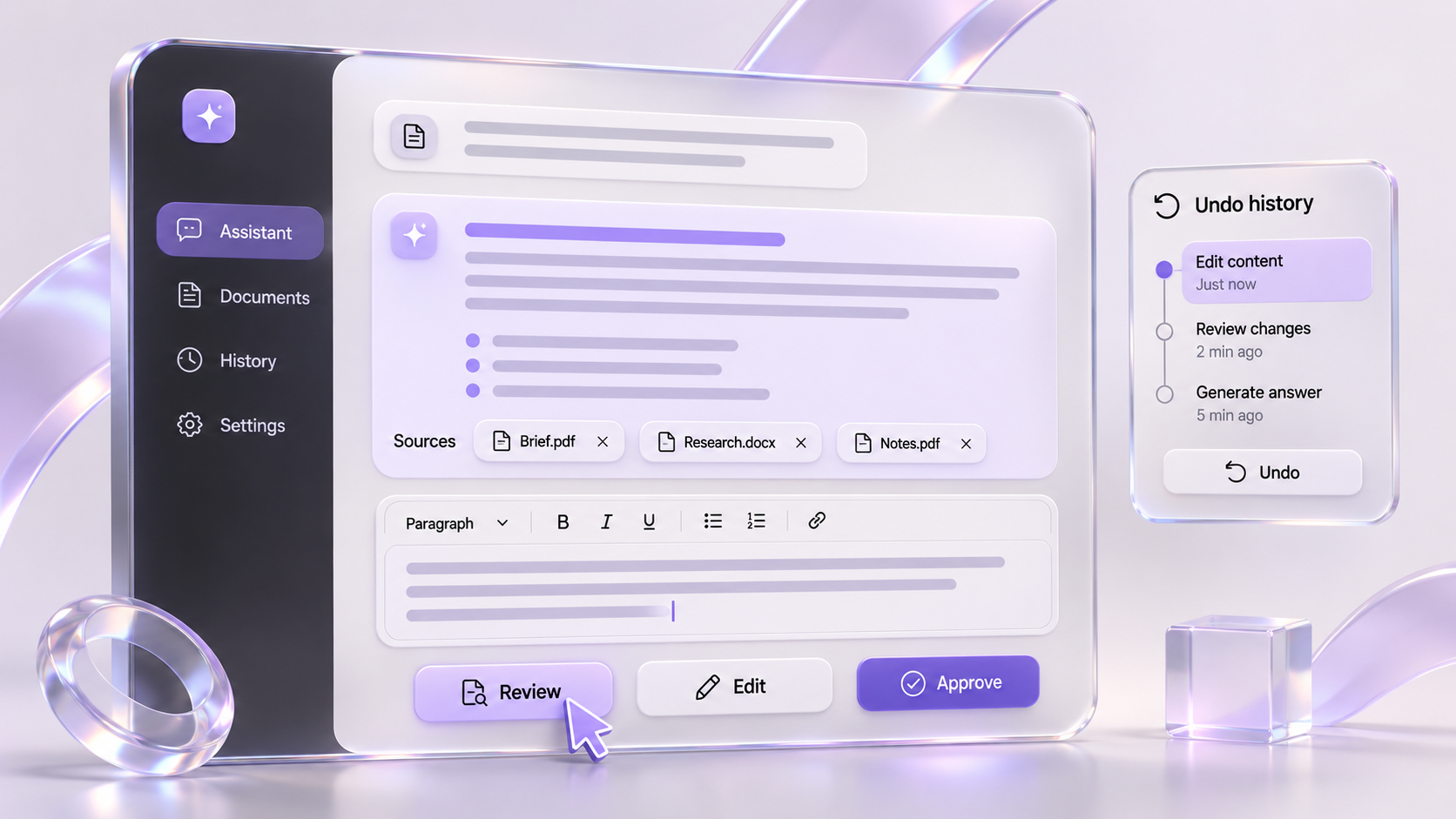
Tell users what the system is working with before they depend on the answer. Show selected files, relevant records, time ranges or connected sources when those inputs materially affect the result. Distinguish available data from data the system has actually used.
Give users a way to correct the scope. In the support example, an agent might need to exclude an outdated article or choose the correct product version. A source selector is useful only if it changes the retrieval behavior as intended; the design must be backed by the implementation.
Explain unsupported inputs near the point where users encounter them. If a file cannot be processed, identify it and state what remains available. Do not silently generate a seemingly complete answer from a partial upload.
Use prompts and examples to communicate the product's boundaries. An example request should demonstrate a task the system can perform with the user's actual permissions. Avoid suggesting access to confidential records or external systems that have not been connected.
Design output that can be reviewed
Choose an output structure that fits the decision. A comparison might need a table. An edited document might need a visible diff. A drafted reply might need editable text with supporting source links. A continuous stream of prose is not always the most useful review surface.
Separate generated content from product status and controls. Users should be able to tell whether text is a draft, a saved revision or a message that has already been sent. Keep the accepted version available when the user requests an alternative, so exploration does not destroy prior work.
Where the product retrieves evidence, connect material claims to inspectable sources. Show enough context for the user to judge whether the source supports the claim and whether it is current. A citation indicator alone is not evidence that the generated statement is correct.
Google PAIR recommends helping users calibrate trust to a system's capabilities and limitations. The design goal is appropriate reliance, including knowing when to check the answer. PAIR's explainability and trust guidance provides the underlying rationale.
Match user control to the action
Treat suggestion, editing and execution as distinct interaction states. The same model output can have very different consequences depending on whether it remains a draft or triggers a real change.
| Product capability | Useful user control | Confirmation or result to show |
|---|---|---|
| Generate a suggestion | Edit, discard or request an alternative | Clearly labelled draft |
| Modify an existing document | Compare changes and accept selectively | Saved version and revision scope |
| Prepare an external action | Review target, content and parameters | Explicit execution choice |
| Execute an approved action | Cancel where supported; inspect outcome | Actual result, including partial failure |
| Repeat a task automatically | Set scope, limits and stopping conditions | Activity record and accessible stop control |
This is a proposed design framework, not a statement about what every AI platform supports. Confirm the available controls with engineering. A cancel button should not imply that an external action has been reversed if cancellation only stops further processing.
For consequential actions, make the review concrete. “Approve” is difficult to evaluate when the destination and content are hidden. Show what will change, who or what will receive it, and any relevant constraints before asking for the decision.
Explain uncertainty without invented precision
Use language that reflects the evidence available. If the system cannot locate a relevant source, say so. If records disagree, show the conflict when it matters to the decision. Do not fill an interface with percentage confidence labels unless the team has a defensible definition and evaluation method for those numbers.
Avoid presenting a fluent explanation as proof of correctness. Give users observable evidence such as source passages, input records, calculation steps or tool results where the product can supply them. Do not invent a hidden reasoning transcript or suggest that an explanation guarantees an accurate answer.
Decide where uncertainty belongs in the workflow. A caveat at the bottom of a long answer may arrive too late if the user has already acted on the first paragraph. Put limitations close to the affected claim or action, using language proportionate to the actual issue.
Test whether people interpret labels as intended. “Verified” can imply more than a team means by “linked to a source.” Prefer a precise description of the check performed, and reserve stronger labels for checks the implementation genuinely completes.
Make failure recoverable
Design distinct responses for missing inputs, unsupported requests, retrieval failure, generation failure and unsuccessful external actions. A single “Try again” message gives users little basis for deciding whether retrying will help.
Preserve work that remains useful. If generation fails after the user selects files and writes instructions, keep those inputs available. If an action partly succeeds, report which parts completed before offering a next step. Engineers must confirm retry behavior so the interface does not encourage duplicate changes.
Offer a manual path when the task can continue without AI. In the fictional support assistant, the agent should still be able to compose a reply if suggestions are unavailable. That fallback depends on the product's actual design and permissions; it should be tested as a normal workflow.
PAIR's error guidance treats expectations, error sources and paths forward as connected design questions. Use that distinction to identify whether a problem comes from the input, the system or a misunderstanding of its scope. PAIR's guidance on graceful failure explains these considerations.
Evaluate realistic tasks before release
Build an evaluation set from the jobs the product is intended to support. Include ordinary requests, ambiguous inputs, outdated sources, missing access and interrupted operations. Keep any customer material within the permissions and handling rules agreed for the project.
Observe whether users can identify the input scope, spot an unsupported claim, correct a draft and recover from failure. Measure task completion and review effort alongside output quality. A faster generated response is not sufficient evidence that the complete workflow became easier or more accurate.
Record the model, retrieval configuration, interface version and test conditions when they affect interpretation. Revisit important scenarios after substantive changes. The evaluation should describe the tested product rather than imply a universal reliability score.
Hand engineering a state model and acceptance criteria, not only successful screens. Include loading, partial results, permission changes, cancellation and recovery. For a focused design review, share your AI product workflow with its intended users, connected data and actions the system is allowed to perform.