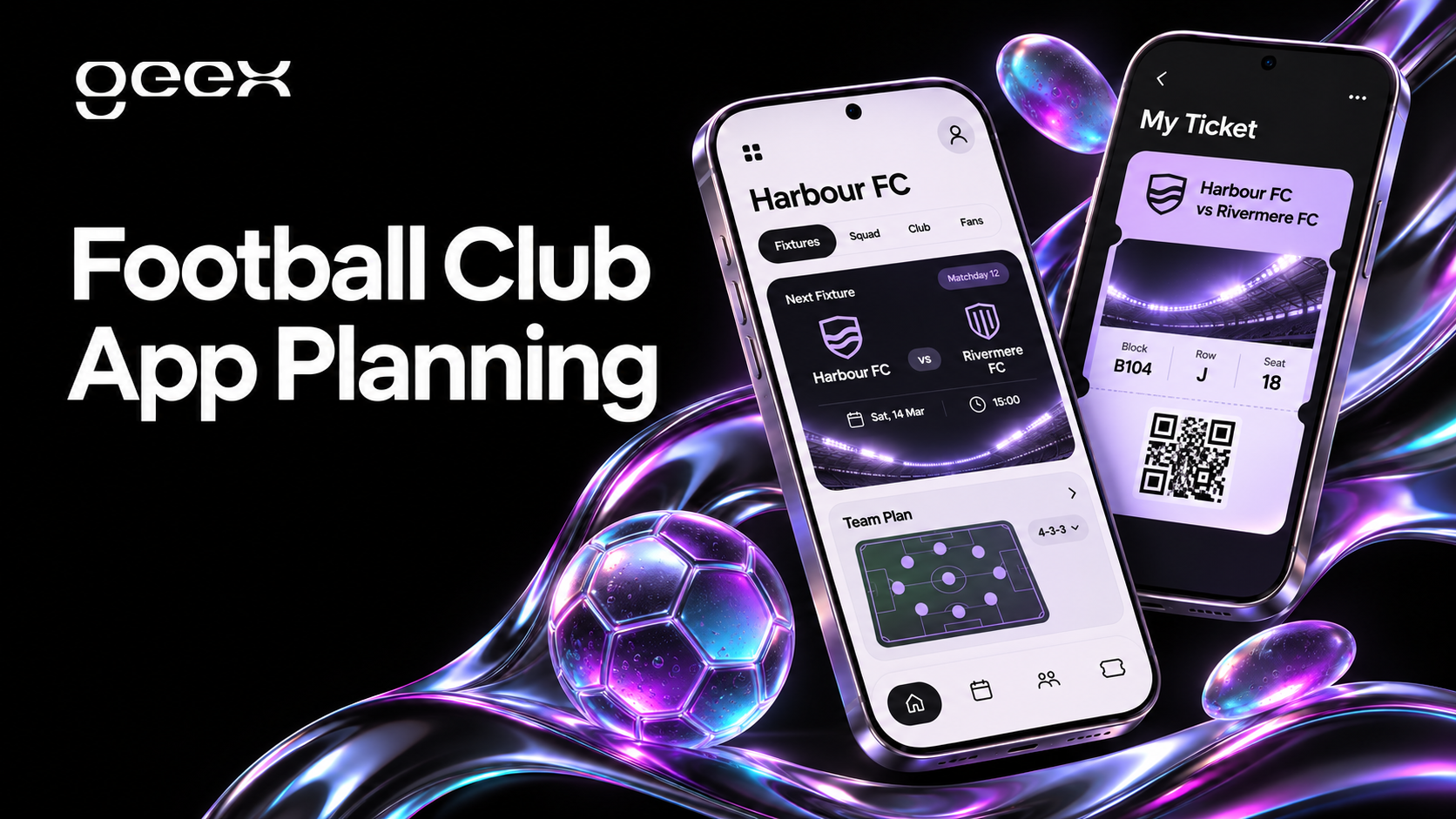
A football club app should help supporters complete a few important tasks reliably: follow the team, prepare for a match, access a ticket or manage their relationship with the club. The right feature set depends on which supporters you serve and which systems the club can operate. Copying every feature from a larger club creates a roadmap without explaining why fans should use it.
For a club's digital or commercial team, the first deliverable should be a product brief that connects fan needs, operational ownership and technical dependencies. That brief is the basis for an MVP, a design engagement and a credible development estimate.
Key Takeaways
- Choose the first release around specific supporter tasks and a measurable club objective.
- Treat ticketing, identity, content and commerce as integrations with named owners.
- Plan matchday failure and support flows alongside the successful journey.
- Use content permissions and operational capacity to decide what belongs in the MVP.
Start with the supporter groups you can serve
A local season-ticket holder, an occasional visitor and an international fan may have different reasons to open the app. The first needs reliable ticket access and travel information. The second may need help understanding the venue and purchase process. The third may care more about team news, match updates and available video.
Interview representatives of the audiences you intend to prioritize. Ask about their last real task: how they found a ticket, followed an away game or contacted support. Review existing support requests and website behavior where that information is available. Avoid asking only which features people would like; it is easy to approve an imagined feature without needing it.
Choose a primary objective and supporting measures. A matchday service app might aim to reduce ticket-access problems. A content product might aim to increase repeat visits among a defined supporter segment. Set the measurement baseline before launch, and distinguish an app action from a business outcome.
Map features to tasks and dependencies
Use a feature matrix to expose what each idea requires. The priorities below are an illustrative planning recommendation, not a universal specification for football clubs.
| Supporter task | Candidate feature | Required dependency | MVP decision |
|---|---|---|---|
| Know when and where the team plays | Fixtures, local time and venue details | Reliable fixture source and editorial owner | Include if accurate data is available |
| Follow club news | News feed and article detail | CMS and publishing workflow | Include for a content-led launch |
| Enter the stadium | Ticket access or provider handoff | Ticketing provider, identity and support | Include only after integration validation |
| Prepare for a visit | Travel, accessibility and stadium guidance | Maintained venue information | Include for matchgoing audiences |
| Manage updates | Notification preferences | Messaging service and content rules | Include with meaningful categories |
| Buy merchandise | Shop handoff or integrated commerce | Store, inventory and customer support | Choose the simplest reliable journey |
| Watch premium content | Entitled video playback | Content rights, player and subscriptions | Defer until ownership is clear |
For a public example, Manchester United's official app listing describes news, match updates, tickets and shopping. Its ticket guidance also explains an app-based ticket journey and wallet preparation. These demonstrate a possible product scope, not evidence that another club needs the same features or that those features will deliver the same results. Official app listing, club ticket guidance.
Make ticketing an integration decision
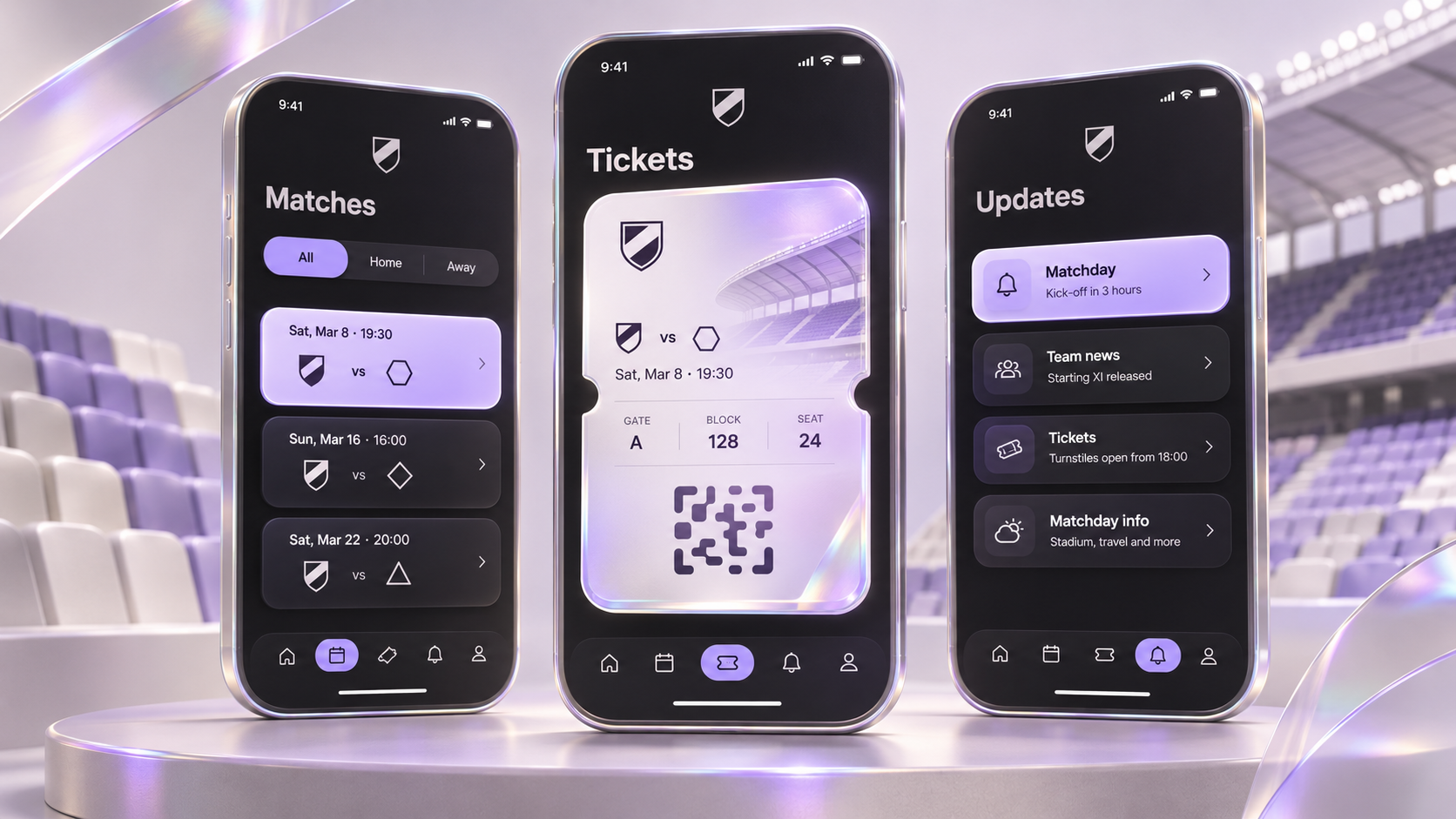
Ticketing cannot be scoped as a single screen called “My tickets.” Confirm which provider owns purchase, allocation, transfer, cancellation and stadium validation. Establish whether the app will display tickets, hand users to another service or integrate a supported provider SDK.
Ask for a sandbox and representative test cases before approving the interface. Test a new supporter, an existing account, several tickets, a transferred ticket and a ticket whose status changes. Determine who can correct a problem and how the supporter reaches them.
Do not assume that a screenshot or a cached code is a valid offline ticket. The provider's technology and stadium access system determine what works. The design should explain preparation steps and failure recovery using behavior the integration actually supports.
Keep a matchday escalation path visible. If the app cannot retrieve a ticket, it should tell the supporter what is known, what they can try and where to get help. A generic error with no route forward turns a technical incident into an operational problem at the gate.
Define identity and permissions before personalization
Decide which tasks require sign-in. Public news and fixture information may not need an account. Ticket access and membership benefits usually depend on some form of identity or entitlement, but the implementation must follow the club's actual providers.
Map the identifiers used by the ticketing system, CRM, shop and membership service. Matching records by a convenient field does not automatically create a trustworthy shared identity. Establish the supported linking flow, how users correct mistakes and which system owns each profile field.
Personalization should follow a defined benefit. Supporting preferred teams or notification categories can be useful without collecting unnecessary profile data. Explain what the preference changes and provide a straightforward way to change it later.
Design for changing connectivity and information
Matchday requirements should include loss of connection, interrupted sessions and stale data. Google's offline-first guidance explains that apps can provide selected functionality from local data and reconcile it with network data. That provides an architectural basis for planning offline reading; it does not make every transaction safe to perform offline. Android offline-first guidance.
Specify what remains readable, such as previously loaded stadium guidance. Label information that may no longer be current. Prevent the interface from presenting an unconfirmed action as completed. Test the transition from offline to online as well as the disconnected state itself.
Accessibility also affects matchday usability. Test readable text, screen-reader labels and navigation through essential tasks. Apple's accessibility guidance is a useful platform reference for the design and implementation team. Apple accessibility guidance.
Include the people who will run the app
Every content module needs an owner. Write down who publishes fixture changes, checks sponsor assets, updates stadium guidance and responds to a broken feed. A feature with no operating owner should not enter the MVP merely because it is straightforward to design.
Use the same discipline for notifications. Define categories, approval rules, time-sensitive exceptions and a correction process. Give supporters control over optional updates. Test a notification's destination so that opening an alert leads to the relevant content rather than a generic home screen.
For video, establish the permitted audience, territory, availability window and access rules with the relevant rights owner. The design team can represent these constraints, but it should not invent permission to distribute content.
Write a release plan with explicit acceptance tests
Consider a fictional club launching a first app for local supporters. Its proposed release includes fixtures, news, stadium guidance, notification preferences and a validated ticket-provider handoff. Native ticket management, loyalty rewards and premium video remain outside that release until their dependencies are resolved.
This is a planning example, not a client case study. Its value is the boundary: a team can estimate the release and identify the evidence needed to approve it.
Before launch, ask the team to demonstrate:
- A new supporter can find the next fixture and understand the displayed time.
- An editor can publish and correct a news item without a developer.
- A ticket holder can complete the supported provider journey and find help when it fails.
- Notification preferences persist and are reflected in the messaging setup.
- Essential information remains understandable during connection loss.
- Analytics distinguish successful tasks, failures and abandoned journeys without collecting unnecessary personal data.
Run an operational rehearsal with the staff responsible for content and support. Document escalation contacts and rollback options. A product can pass an interface review while the organization is still unprepared to operate it.
Turn the plan into a brief
A useful football club app brief contains the priority audience, core tasks, integration owners, content workflow, platform coverage and acceptance tests. Add the evidence you already have and the questions that discovery must answer.
That is enough to start a focused design and technical conversation. It also gives the club a way to evaluate new ideas: each addition must justify the supporter need, dependency and ongoing responsibility it introduces.
Plan a sports app MVP with a shortlist of fan journeys and your existing club systems.