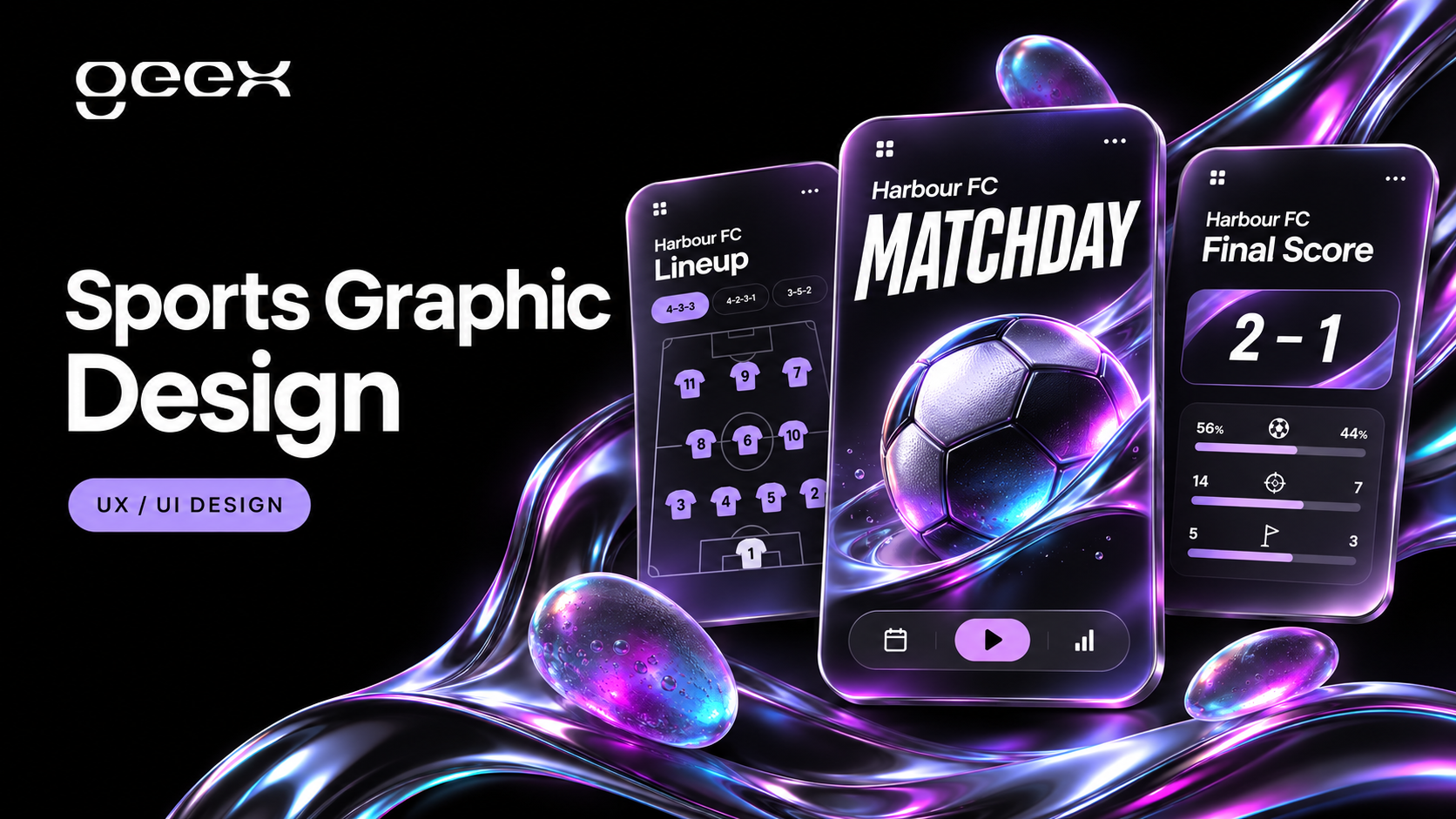
A football club's matchday graphics need to work when the score changes, the lineup arrives late and the social editor has seconds to publish. Start with a content system: define the information each asset carries, build reusable layouts, and agree who can approve or correct it. The visual identity then has a reliable structure to work within.
Sports graphic design examples are useful for comparing typography, photography and composition. A finished poster, however, does not show whether its template survives a long player name or a last-minute fixture change. For a club commissioning ongoing creative work, those operational details belong in the design brief.
Key Takeaways
- Map graphics to match events and publishing channels before designing individual posts.
- Separate fixed brand elements from information that editors must change quickly.
- Test long names, missing photography and unexpected match states before launch.
- Give every live asset an approval owner and a correction procedure.
Build an asset inventory around the match
List the moments the club actually covers. These might include a fixture announcement, ticket reminder, lineup, kickoff, goal, interval score and full-time result. Add post-match content only where an editor, photographer or data source can supply it reliably.
For each moment, record the channel, required information, source of truth and publishing owner. A stadium screen, website hero and social story have different viewing contexts. Treat them as related compositions rather than assuming one master image can be cropped into every format.
Review the club's recent output alongside the list. Which assets were rebuilt repeatedly? Which edits arrived after approval? Which posts depended on a photograph that did not arrive? Use those observations to select the first templates. A small set that the team can operate consistently is a better starting point than a large library of untested variations.
Separate routine matchday assets from campaigns. A season-ticket launch may deserve a distinct creative direction and longer approval cycle. A substitution graphic needs a dependable live workflow. Both should feel like the same club, but they need different production arrangements.
Use a matchday asset matrix
The following matrix is an illustrative planning tool for a fictional club, Harbour FC. It is not a description of a real client engagement or a recommended publishing frequency.
| Asset | Essential information | Editable fields | Approval or trigger |
|---|---|---|---|
| Fixture announcement | Opponent, competition, date, kickoff, venue | Match details, approved imagery | Communications lead confirms fixture |
| Ticket reminder | Fixture and clear ticket destination | Availability message and link | Ticketing team confirms availability |
| Starting lineup | Starting players and substitutes | Names, numbers and formation if confirmed | Team representative confirms list |
| Goal update | Scorer, score and match minute if verified | Player, score and minute | Live editor verifies event |
| Half-time | Current score and match state | Score and selected image | Live editor confirms interval |
| Full-time | Final score and opponent | Score, result copy and image | Live editor confirms final result |
| Post-match quote | Approved quote and attribution | Quote, speaker and photo | Interview or communications owner |
Keep source information in a shared match record. If the kickoff time changes, editors should update one authoritative record before generating the affected assets. Avoid maintaining independent versions in a chat message, a design file and a scheduling tool without an explicit owner.
For sponsored formats, add the approved partner lockup, applicable placement and approval contact. The design team should work from the club's supplied commercial requirements. It should not guess which assets a sponsorship agreement covers.
Design components that survive real content
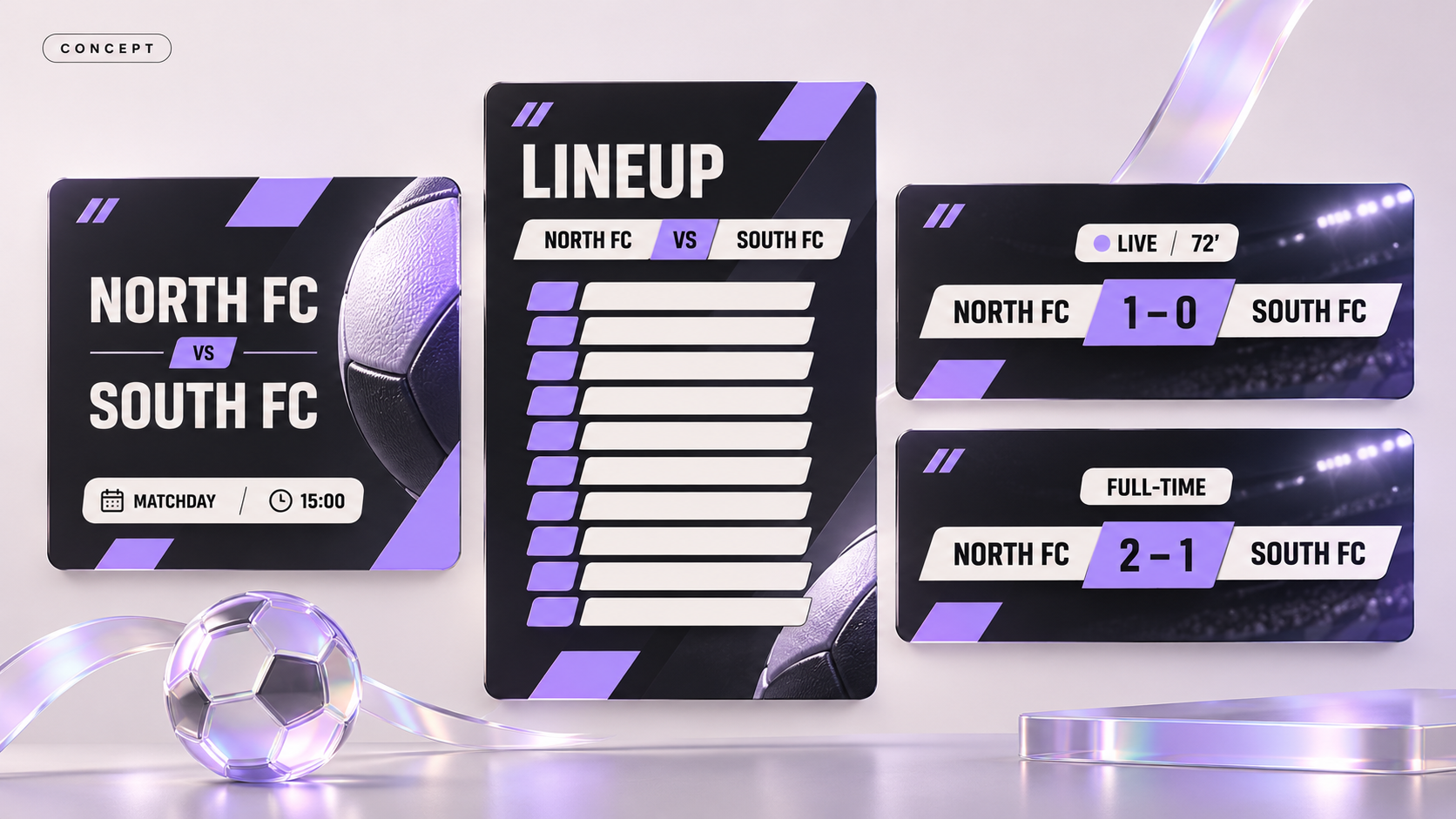
Create a stable visual hierarchy: the event or result first, supporting match details second, and branding or sponsor information in its agreed position. The hierarchy can vary by asset. A lineup needs readable names; a goal announcement can give more space to a player image.
Build components for recurring elements such as score pairs, competition labels, player names and sponsor areas. Document which elements editors can change and which are locked. Provide an approved fallback when a headshot or action photograph is unavailable.
Test the system with difficult content before approving its most attractive version. Include a long surname, two-digit score, unusually long opponent name and fixture with no approved photography. Check translated copy if the club publishes in multiple languages. A layout that works only with a short headline is not ready for a live content team.
Motion needs equivalent rules. Define where the decisive information appears, how the final frame works as a still, and what viewers can understand without sound. Supply static alternatives where the publishing context requires them. Do not make the editor rebuild the message when a channel or connection cannot support the animated version.
Make the information readable and accessible
Check the exported asset at the size supporters will actually see. A composition that looks clear on a large design monitor may make the kickoff time unreadable in a mobile feed. Review small text, busy photographic backgrounds and sponsor marks in the final crop.
For web use, WCAG's text contrast criterion specifies at least 4.5:1 for ordinary text and 3:1 for qualifying large text, with defined exceptions. These are useful design checks; they do not by themselves establish accessibility across every social platform. W3C's contrast guidance explains the scope.
Provide the essential information in the post's text as well as the graphic. Prepare meaningful image descriptions where the channel supports them. W3C distinguishes informative images, whose alternatives convey their essential information, from decorative images. W3C's images tutorial is a useful reference for the website implementation.
For a result graphic, an editor's text might say: “Harbour FC 2, Riverside 1. Full-time.” That carries the outcome even when a supporter cannot see the image. A description such as “exciting football graphic” does not.
Define approval and correction rules
Assign a decision-maker for each type of information. The live editor can verify a score; a ticketing colleague can confirm a sales message. Not every post needs every stakeholder, but every post needs a clear route to approval.
Document which changes require a new review. A text correction, player-image substitution and sponsor-lockup change have different implications. Decide those rules before a busy fixture rather than negotiating them in the publishing queue.
Give exported files identifiable names that include the match, asset and version. Keep editable masters separate from approved exports. Archive superseded versions so an editor does not accidentally publish an older score or fixture time.
Define a correction procedure for inaccurate live content. It should identify who confirms the correction, which channels need updating and whether an explanatory follow-up is appropriate. Preserve the event record so the team can investigate why the error happened. A correction workflow is part of the production system, not an admission that the design failed.
Rehearse a difficult matchday
Run a dry rehearsal using a fictional match before the first live fixture. Give the editor the same tools and access they will have on the day. Introduce a lineup change, missing player image, delayed kickoff and corrected score in sequence.
Observe where the editor has to improvise. Can they find the right template? Is the match state clear? Can another colleague pick up the work from the file names and shared record? Check the exported output, not just the editable design.
Record the problems as actionable revisions: add a fallback layout, improve a field label, change an approval owner or simplify an export step. Repeat the affected scenario after the fix. Do not use the rehearsal to claim a percentage improvement unless the team has a defined baseline and comparable measurements.
Brief a design partner with the operating context
A useful creative brief contains the club's brand assets, channels, matchday matrix, languages, commercial requirements and available photography. Add examples of both successful output and recurring production problems. State who will edit the templates and which software they can use.
Ask for deliverables beyond finished images: editable masters, component rules, sample exports, fallback states and an operator guide. Agree how future competitions, partners or campaign styles will be added to the system.
After launch, review correction frequency, missed publishing moments, template adoption and the team's time spent rebuilding assets. Define each measure consistently. Engagement can inform creative decisions, but a popular post alone does not prove that the production workflow improved.
For ongoing club creative support, share your matchday requirements. Bring a sample fixture schedule and the assets your team struggles to produce reliably; those make the first design discussion concrete.